
Setup
The Isle Cheat Setup — Evrima Windows PC Checklist
Evrima uses UE5 and DX12. Injecting at the menu screen is the most common reason overlays fail or games crash on first launch.
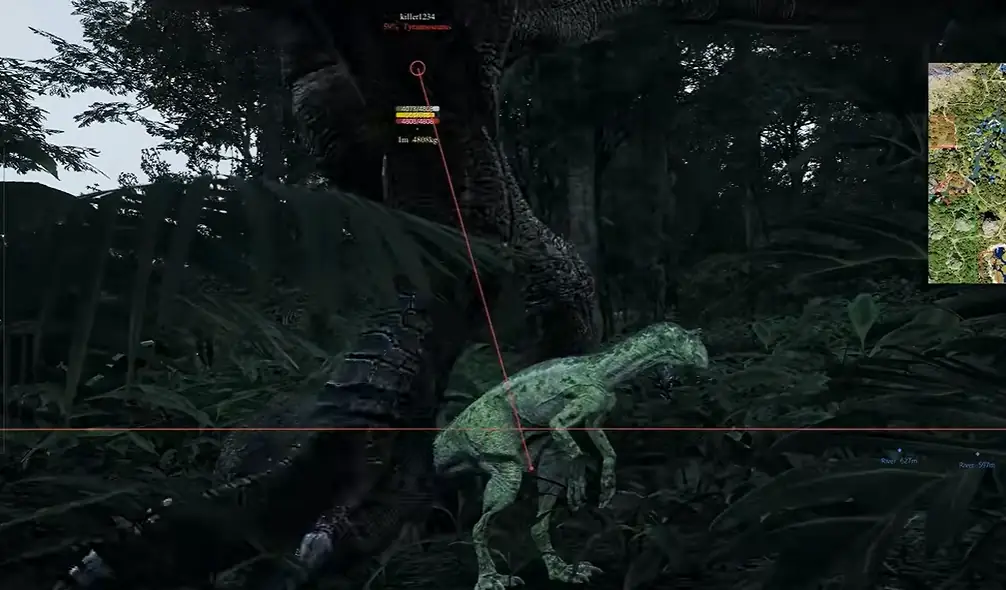


Injection order
Launch The Isle, spawn into the world, wait for the DX12 swapchain to stabilize, then inject per our setup page. Avoid LoadLibrary injectors flagged by community posts.
Need help? Use the support page with your order ID and Windows build number.
About The Isle Cheats
The Isle Cheats is a single-product package for The Isle Evrima on Windows PC — ESP, radar, and combat tools with maintenance notes after game and anti-cheat patches.
If this guide helped you decide, compare Features, check Status before patch day, then open Store for monthly or lifetime plans. Setup and FAQ cover delivery and first launch.
Buyer reviews describe real Evrima sessions with ESP and radar. The product overview links every module page if you want depth before checkout. Use Support with your order ID if delivery fails.
The guides index lists longer Evrima walkthroughs when you want step-by-step reading beyond this article.