Before you install
Buy a plan first. You get a license by email after checkout confirms.
Close other overlay tools that hook the game — they often block the loader on first run.
- Windows 10 / 11 PC
- Disable conflicting overlays
- Have your order email ready
Install steps
Run the loader as admin, paste your license, then launch The Isle.
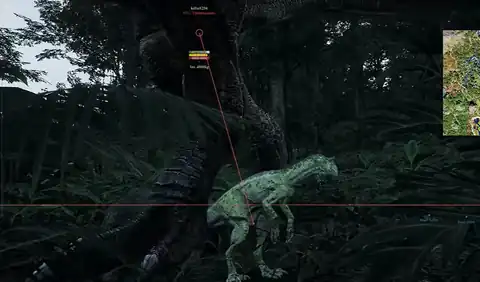
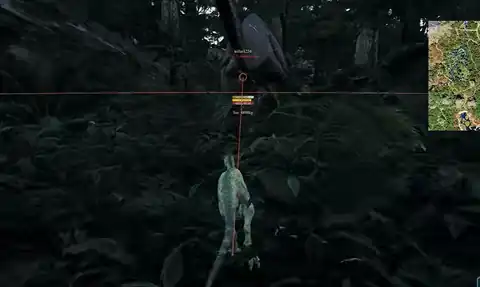
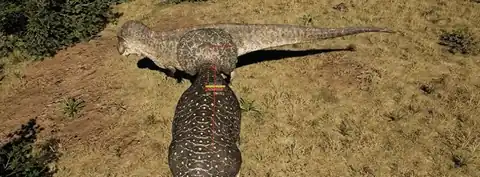
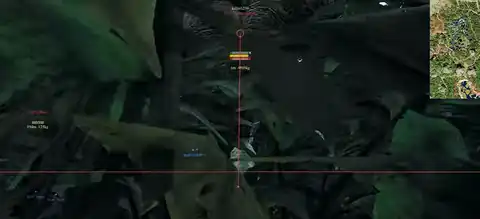
Load default ESP categories first, then add radar and combat tools once the menu opens in-game.
- Download the loader from your delivery email
- Paste license key
- Launch the game
First session tips
Start with conservative radar range and ESP distance so the overlay stays readable in jungle.
Forum threads cover install order and patch-day waits if you want community checklists.
If something fails
Check Status after a patch. Use the Support page with your order ID.
Include Windows version and a short note about the error — screenshots help support reply faster.
Stay current after patches
Bookmark Status and open it before every session during patch week.
When a rebuild ships, download the latest loader from your delivery email and repeat the license step once.
Guides and FAQ explain delivery timing if you bought during a maintenance window.